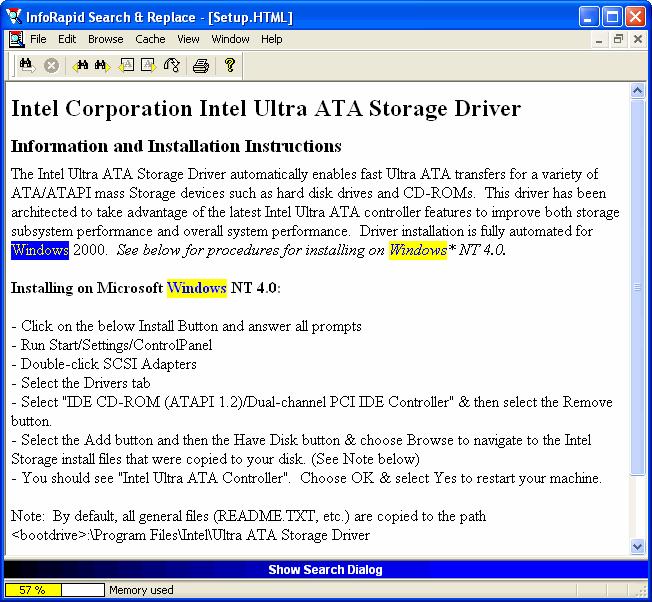
Screenshots of InfoRapid Search & Replace
The first screenshot shows the result of a search for the word WINDOWS in all HTM and HTML files of the directories C:\ and D:\. The number on the left hand side of the search result specifies the byte position of the found text phrase in the file.
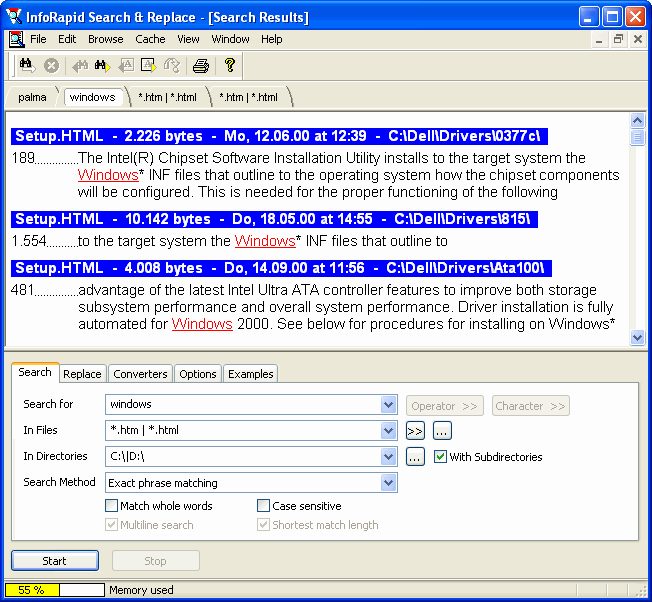
The next screenshot shows how the file SETUP.htm is displayed in the preview window afterwards. The external HTML-converter was used in this example, which preserves the formatting. The internal HTML-converter is faster, but it converts the HTML document to a pure text file without formatting.