Screenshots – KnowledgeBase Builder
The following screenshots show the key features of the InfoRapid KnowledgeBase Builder. Placeholders will be replaced with real screenshots once they have been taken.
Main Window
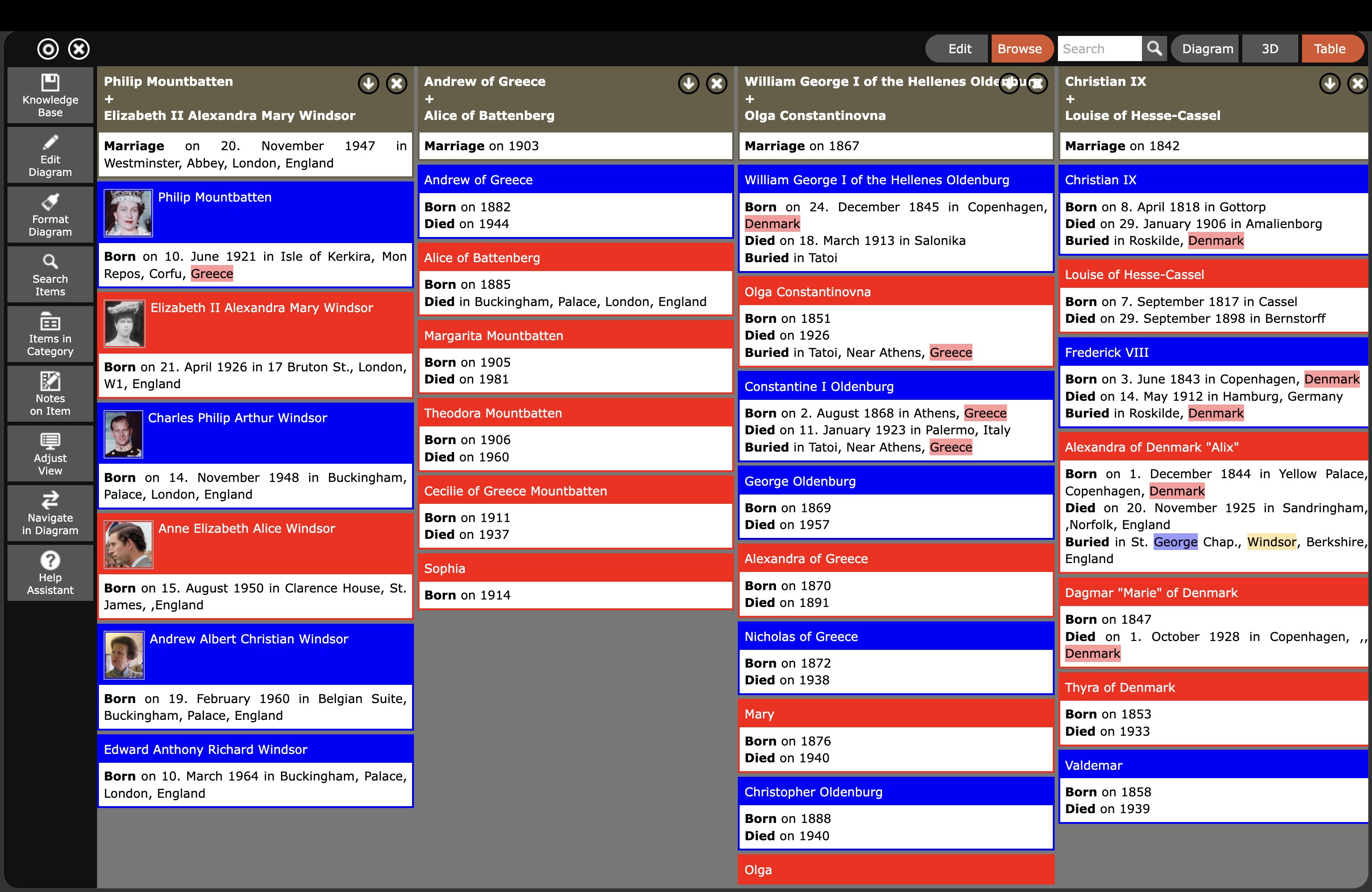
The main window shows the diagram with the current root element in the center. The left-hand side contains menus for editing, formatting, and navigation. The toolbar at the top right switches between the 2D diagram, the 3D view, and the table view.
3D View
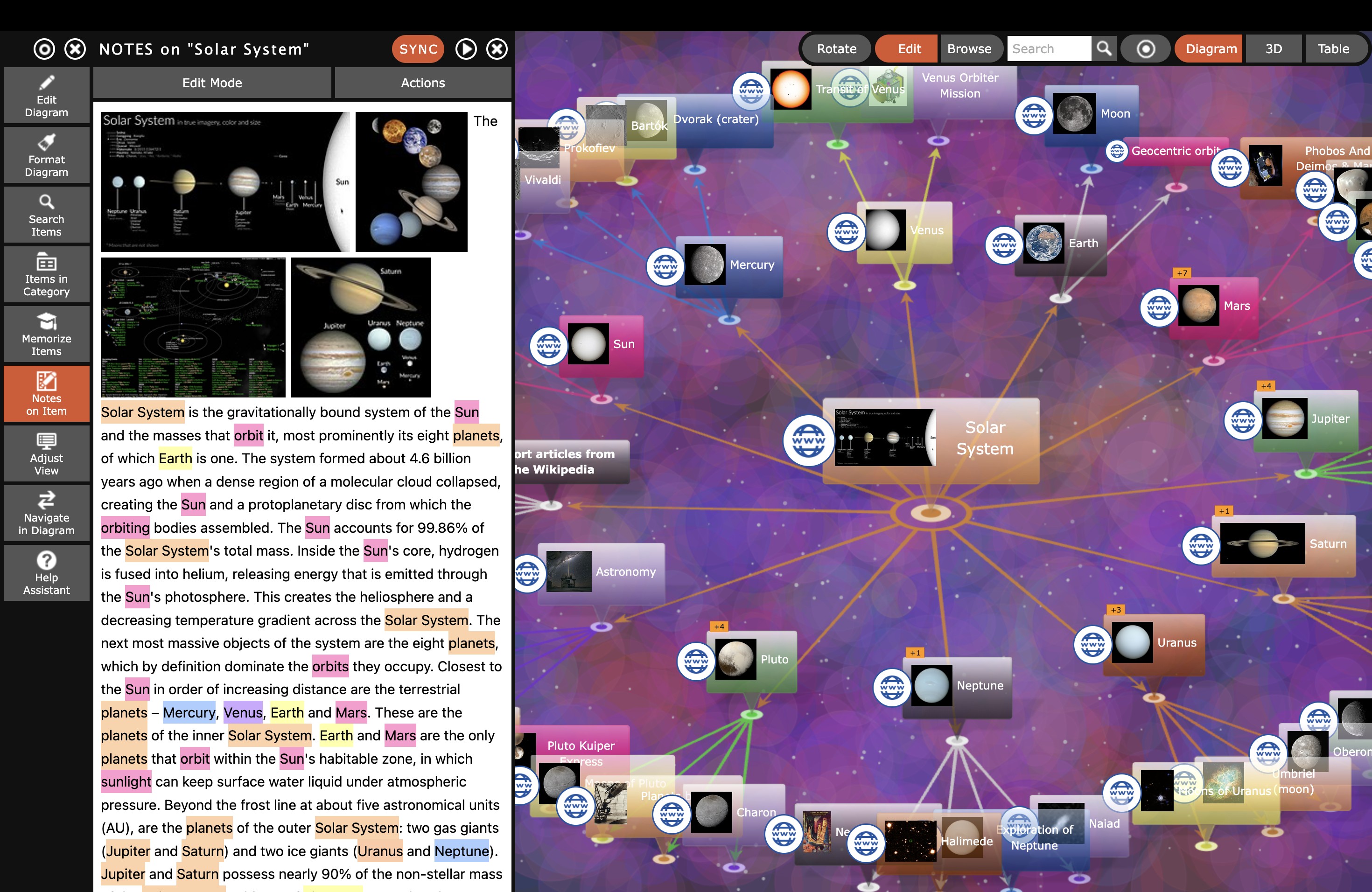
In 3D mode, the knowledge network floats freely in space. The diagram can be rotated, zoomed, and exported as a rotating video or as an interactive 3D model (GLB format).
Wikipedia Import
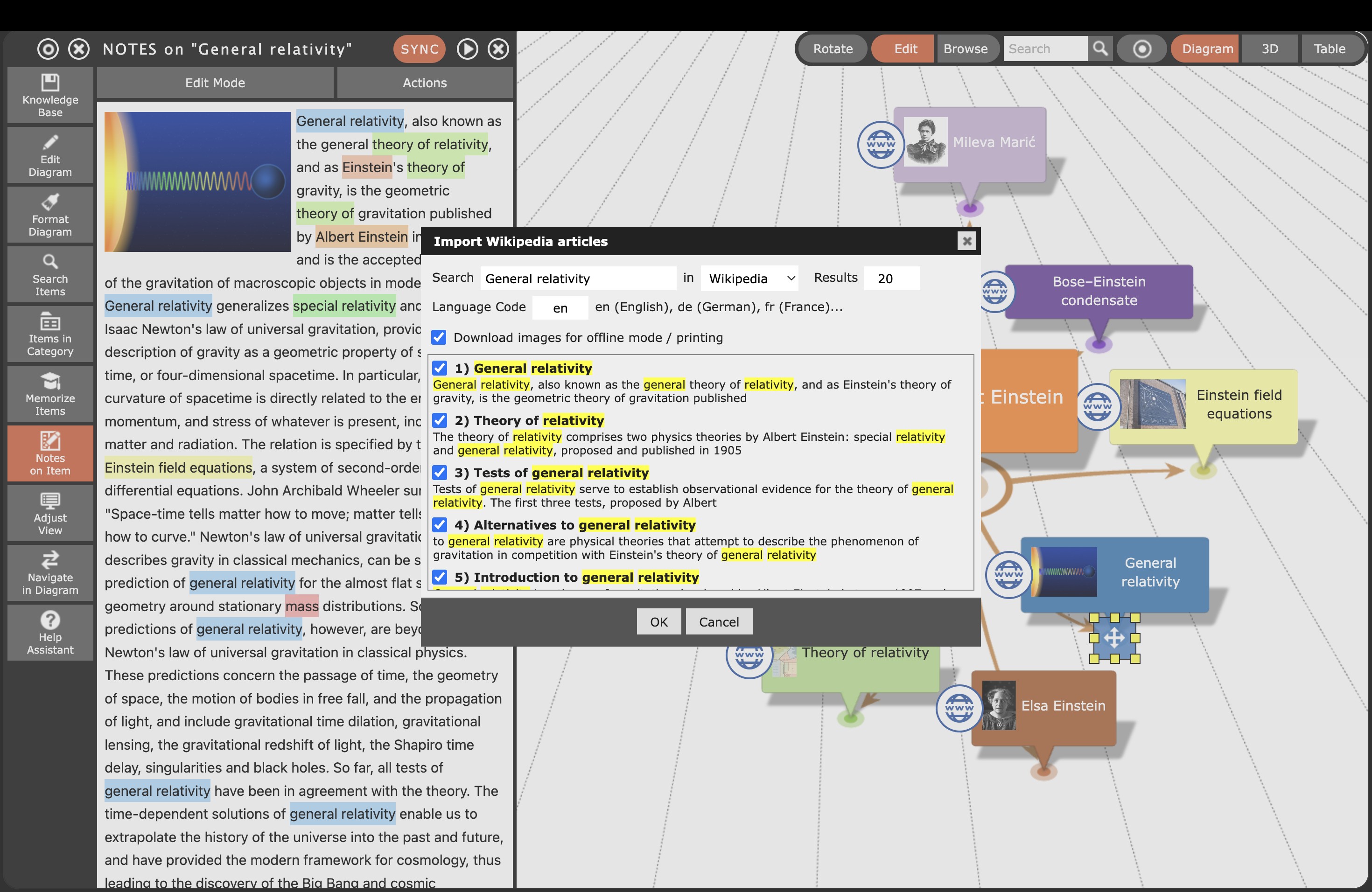
The Wikipedia import downloads complete articles including images and links with a single click, and inserts them as a structured element into the knowledge base diagram.
Memorize Function (Flashcards)
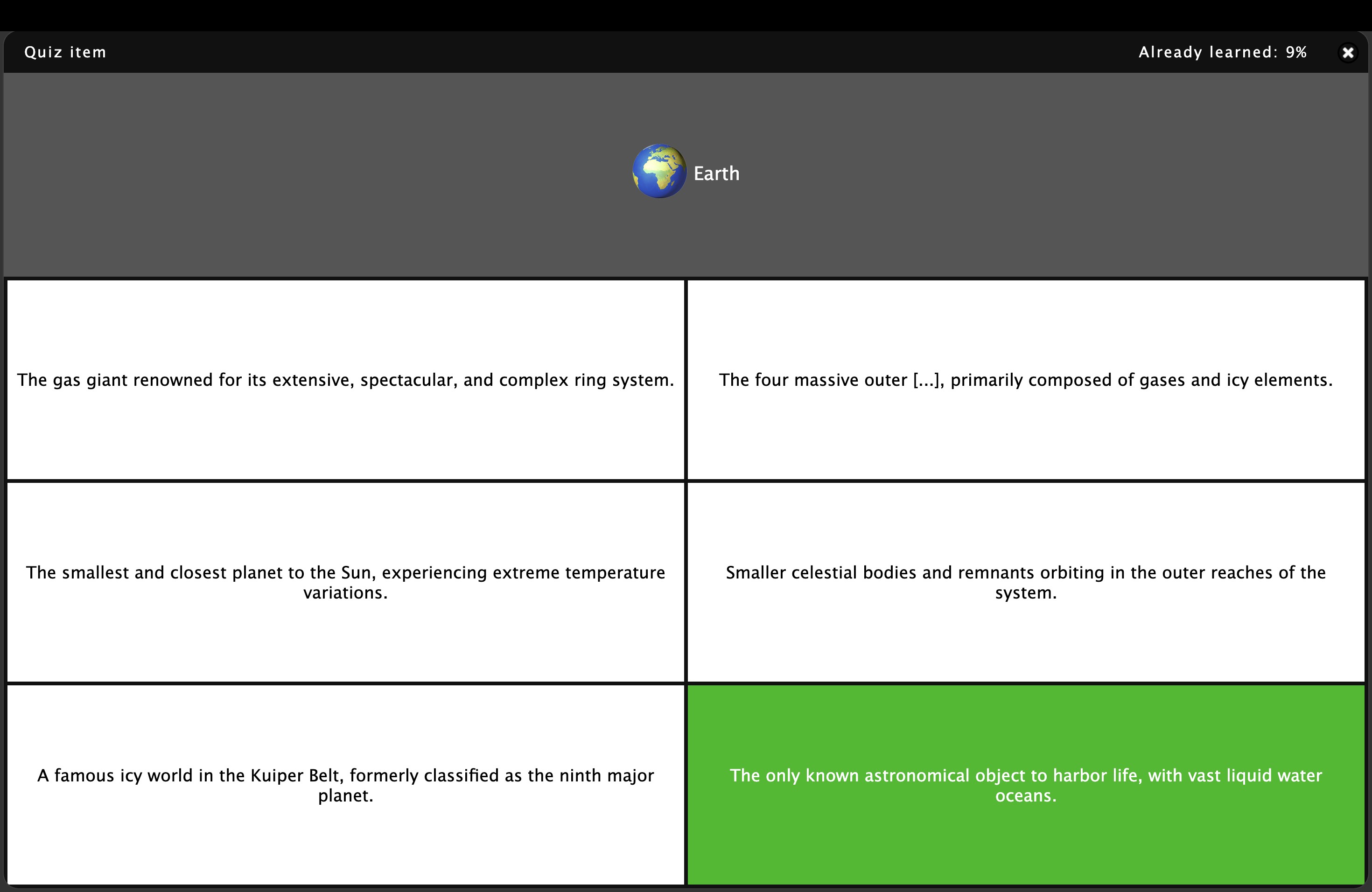
The Memorize function automatically converts the diagram into flashcards and multiple-choice tests. Item names serve as questions and descriptions as answers – ideal for exam preparation and memorizing specialist knowledge.
Flowchart from Pseudocode
Flowcharts and decision trees are generated fully automatically from written pseudocode. The result is an immediately usable, professional flowchart.
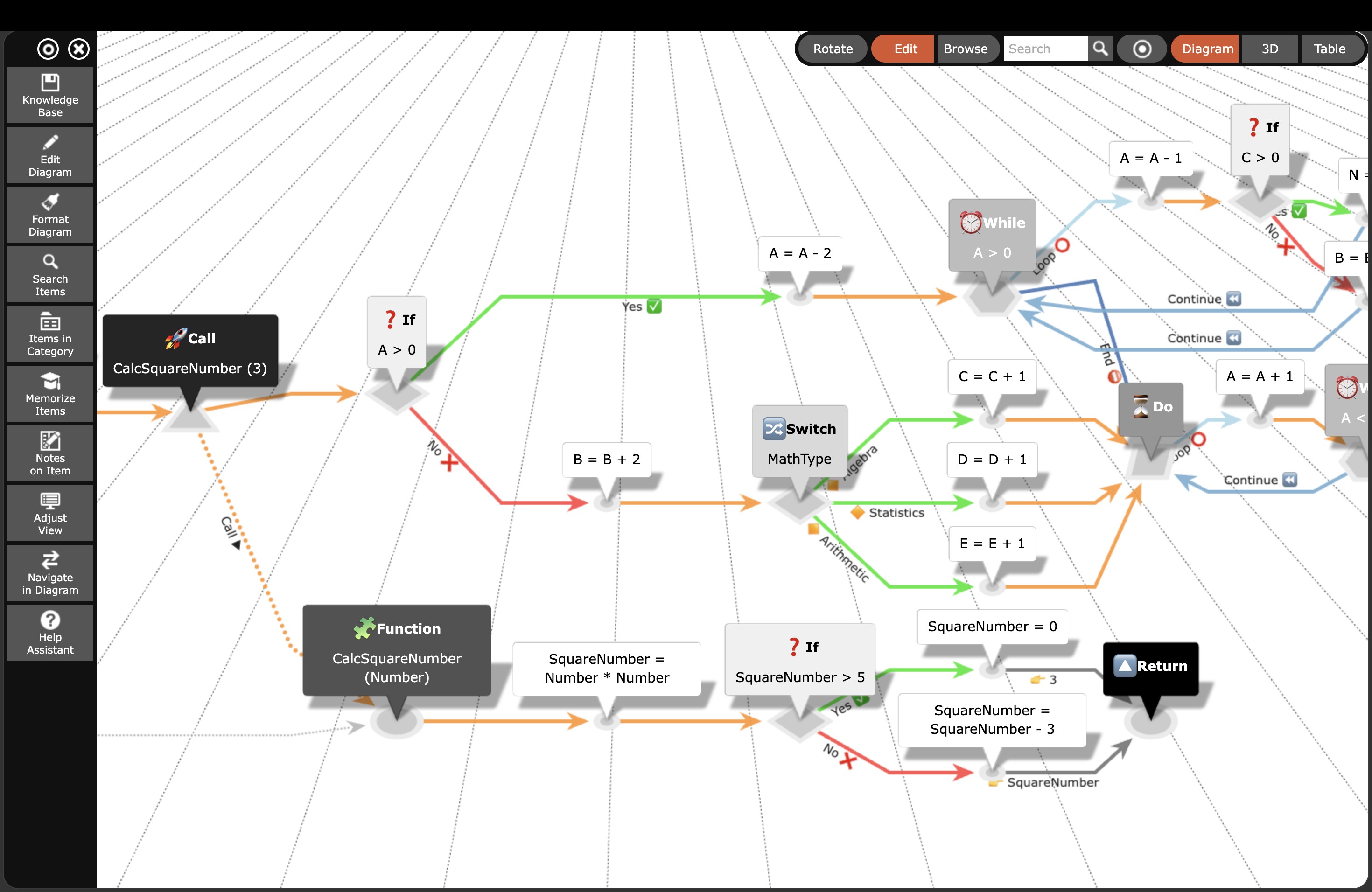
Table View
The table view provides a structured overview of all items in the knowledge database. Entries can be re-ordered via drag-and-drop and found quickly using full-text search.